
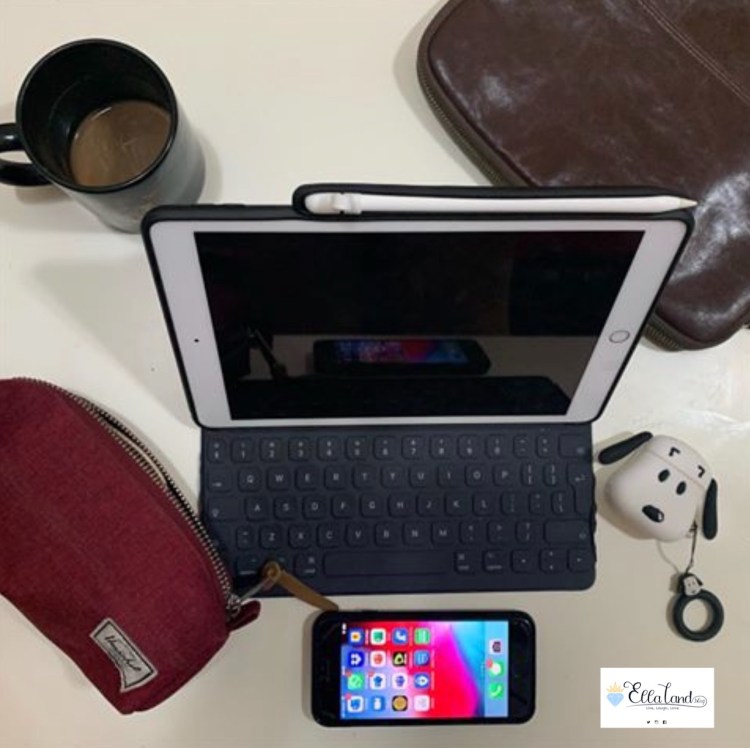
As mentioned in My iPad History post, I mentioned that I picked up the 7th Generation iPad (WiFi, 128GB, Gold) as an interim device while I wait for the release of the 2020 iPad Pro.
As you know, I am highly dependent on tablets and I practically pick it up like a 5th limb and use it as a media consumption device every chance I get. So when my first iPad Pro broke beyond repair, I couldn’t be without a device, and even though I knew the 2020 iPad Pro was just right around the corner, I still made the choice to pick up an interim iPad.
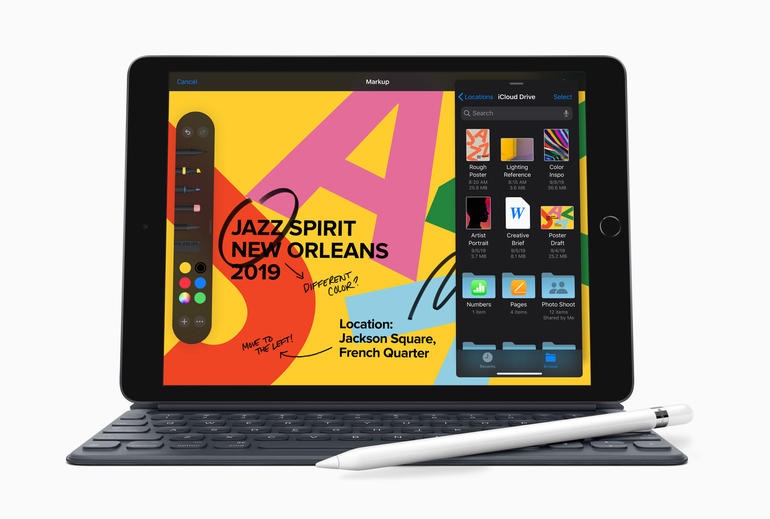
Enter the 7th Generation iPad. This device, being the most basic iPad in the Apple iPad lineup is easy on the pocket, but its features is nowhere near basic. This device actually packs quite a punch, so to speak, and as an added bonus, the First Generation iPad Pro accessories are compatible with this device. So when I picked up this iPad, as an added bonus, and a main deciding factor for me, I am still able to get more use out of my existing iPad Pro first generation accessories (First Generation Apple Pencil and Smart Keyboard).
INITIAL THOUGHTS
And when I first got this iPad, to be honest, I was not expecting much, especially since this was the basic model and I was used to the top of the line devices from Apple. I was ready to just have the most basic functions, little internet browsing, little social media posts, you know the drill. I wouldn’t be mad if it had some limitations. But I was pleasantly surprised, this thing can do everything the iPad Pro can do, at least for my use case anyway, and even when I finally got the 2020 iPad Pro, I still found myself reaching for this device more.
While a lot of the tech sites will tell you a night and day difference between the top of the line latest iPad Pro and this basic bottom of the rung iPad, in a real world use case scenario, I honestly do not see or feel the difference. Granted, I do not use it for RAM intensive computer work, but I think 95% of the common users won’t too.
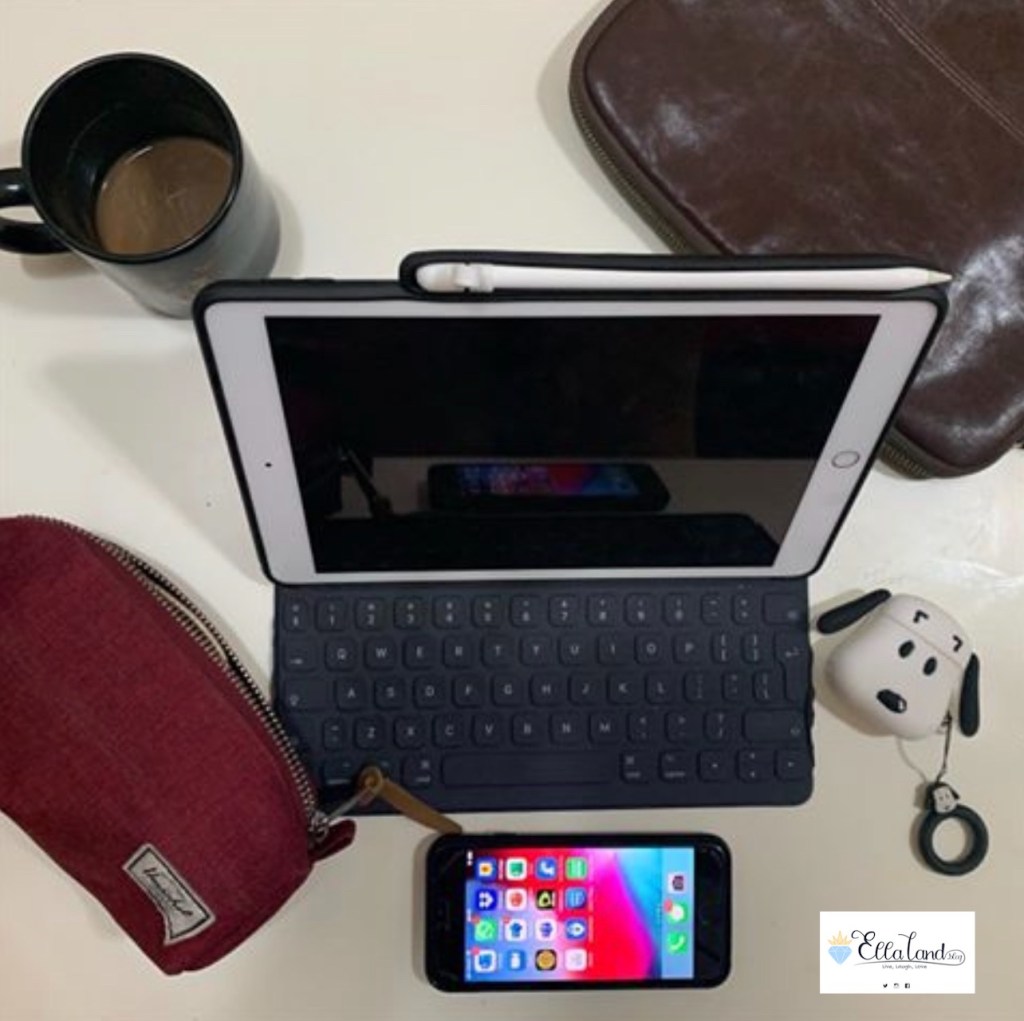
I use the iPad for basic media consumption things such as social media/internet browsing and a lot, and I do mean A LOT of Netflix, YouTube and other video streaming sites. I like having my photos close so I keep a lot of photos in my internal memory and do some minor photo editing with it using the various photo editing apps there is, most importantly Affinity Photo, which this thing handles without a hiccup (granted I’m still learning Affinity Photo!). I am also able to download photos directly from my cameras to this device using WiFi connection and each camera’s compatible app and it works well with that. As with the iPad Mini 3 I had, I read a lot of eBooks using this device, especially as I am able to download the ebooks directly from the source. I can also do a lot of gaming in this iPad, and this thing handles my games like a champ! I even use this iPad to take online courses and it handles it like a dream.

This iPad can handle emails like butter on a warm toast fresh from the oven and In a pinch and with the Smart Keyboard Cover, it can also handle word processing-intensive work, which is basically 95% of what I do in my corporate job. To be honest, if I got stuck somewhere just with this iPad (with the keyboard) and a WiFi connection, I’ll be able to do all my corporate job responsibilities without anybody knowing that I’m not actually at my desk, which is actually super useful now that we are in remote work situation. Not that I ever leave my laptop to go somewhere on a work day, just putting it out there in case any of my bosses or colleagues have found this site! :p
Video calls are also very effective with this iPad. I am able to smoothly conduct video meetings with customers, counterparties and colleagues using this iPad, either via Zoom or Teams, and I am able to conduct our weekly family video meeting. Unfortunately, FaceTime and other VoIP apps are banned here in the UAE so I am not able to comment on that.
THE IPAD PORTS (YES, PLURAL)
A feature unique to this iPad which I think is an advantage here as compared to its Pro siblings are the Ports. This iPad has both the lightning Port and a 3.5mm Audio Port for earphones and wired headphones. The lightning port is an advantage especially if you have an iPhone, as you do not need to carry separate cables to charge the iPhone and the iPad (unless you want to charge both at the same time). Then again, it’s not that difficult to find USB-C cables nowadays so it’s just a small advantage, but hey, if you have the newer iPhones, you can also use the lightning cable earphones that comes with the new iPhones, so that’s an added bonus.
The big advantage for me though is the audio port. Unlike the iPad Pro, this iPad has an audio port. This means, unlike the iPad Pro, I can use my wired headphones with the iPad without worrying about running out of battery. Sure, I use Bluetooth headphones nowadays (I love my beats studio pro 3 and my Apple AirPods) but I like the comfort of knowing that I can use regular earphones with it that will not run out of batteries. This is specially comforting when I take long flights or car trips without access to a charger, and wired regular earphones are a dime a dozen and can be bought nearly everywhere.
COMPARING IT WITH THE ‘PRO

For my use case at least, there is nothing I do on the 2020 iPad Pro that I can’t do on this iPad, including apps that use the Apple Pencil such as Procreate to draw, or GoodNotes 5 and Notability to write my notes or annotate PDF files. With the iPadOS I am able to multitask and open several apps at a time with no problem with this iPad too, and it is now compatible with Bluetooth mice and trackpads, Logitech is even making a dedicated keyboard folio with trackpad for this iPad so that iPad Pro feature is not as unique to the Pro Line as Apple might want consumers to believe. I also have the lightning port dongles as I’ve been collecting them over my iPad history, so I don’t miss the dongle game and the USB-C compatibility feature as much.
I suppose this iPad will not be able to handle video editing as easily as the iPad Pro can, but to be honest, I have yet to learn video editing, so I don’t miss that feature as much. The feature i guess I would miss is the ability of the Pro Line to read and write on external hard drives, as this is one feature that cannot be corrected by lightning dongles, but hey 128 GB internal memory is plenty. I suppose I’d miss it more if I only picked up the 32Gb model.
TECH SPECS
• Finish: Silver, Space Gray, or Gold
• Capacity: 32 GB or 128 GB
• Size and Weight: 9.8in x 6.8in x 0.29in/1.07lbs. (Wi-Fi model); 9.8in x 6.8in x 0.29in/1.09lbs. (Wi-Fi + Cellular model)
• Display: 10.2″ Retina LED-backlit display with IPS technology
• Chip: A10 Fusion chip with 64-bit architecture and Embedded M10 coprocessor
• Rear camera: 8MP camera with 1080p HD video recording at 30fps
• Front camera: 1.2MP FaceTime HD camera
• Security: Touch ID
• Cellular/wireless: 802.11a/b/g/n/ac; dual-band (2.4Ghz and 5Ghz); HT80 with MIMO; Bluetooth 4.2, and Gigabit-class LTE on cellular models
• Battery: Built-in 32.4-watt-hour rechargeable lithium-polymer battery
• Operating system: iPadOS
• SIM: Supports Nano-SIM and eSIM for the LTE function
PERFECT FOR STUDENTS
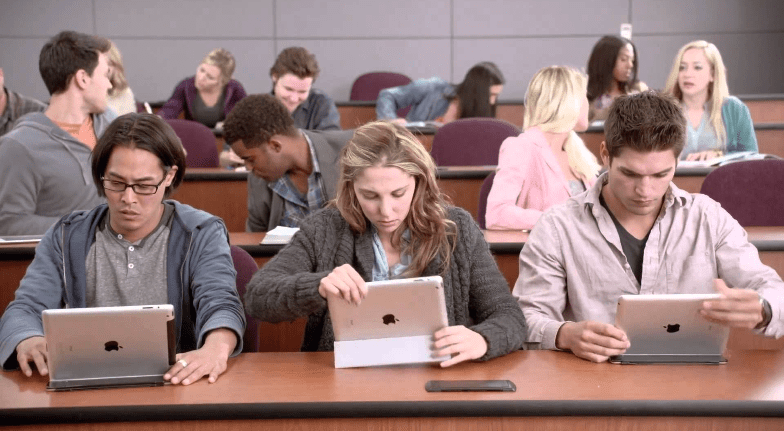
I think this iPad is for 90% of the population who does not need the power or the capacity of the Pro Line (including me, if I’m being really honest) but more so, I can highly recommend this to high school and university students. Especially because of its compatibility with the First Generation Apple Pencil and Smart Keyboard Cover, students can take this to school or university to browse the internet, do their research and taking lecture notes.
I would however warn that the iPad App for Microsoft Word is not nearly as powerful or as intuitive as its computer/laptop versions, but this is true even if you get the iPad Pro. This will not be magically fixed by getting a top of the line model as the limitation is not a hardware issue but a third-party software issue.
When I was doing my masters, I rarely took my MacBook Pro to the university and only had my iPad 2 with me (as the iPad 2 fits in smaller, more fashionable purses than the MacBook Pro). I was able to take notes (typed, using a cheapo Bluetooth keyboard), annotate PDF files, review research materials and related literature, collaborate with my groupmates or create initial drafts of papers due using the Google Docs App (now called the Google Drive, I think) and then I’d either use the public computers in the library or my MacBook Pro at home to clean up my paper for the final draft and to fix the formatting.

My experience during my Masters’ Degree with the iPad 2 (and even its usefulness in law school) has made me extremely passionate in advocating tablets for students, especially with the new technology available now with the Apple Pencil and the plethora of compatible keyboard cases, I can recommend, with confidence the iPad 7th Generation to students.

With this on-going Pandemic, i think it is even more important to highlight this basic iPad and its awesome capabilities. With the schools shifting to online classes and distance learning, I believe it is more useful for the students now, and is certainly easier on the pocket than a full blown laptop, especially if you have several students in the house who are fighting over that one computer in your living room, this is a great alternative.
As you can probably tell, I am super passionate about this magic device and there will be a lot more iPad posts coming in so stay tuned for that! Until then,
Stay Wild, Moon Child!
XXOO The Geek
 EllaLand
One thought on “The Geek: 7th Generation iPad Review”