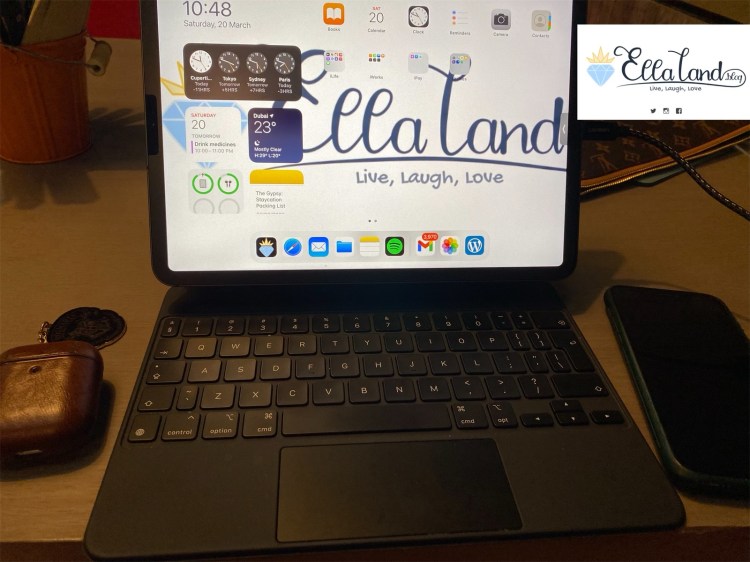
I have been such a fan of the iPad ever since I could remember, having the first iPad when it came out and never looked back since. So when I launched EllaLand.blog, I promised myself that every post will be done using the iPad Pro 2017.
But life as we know happens, and I didn’t launch EllaLand.blog until 2020, and by that time, I have already upgraded to the iPad Pro 2020 model.
My main and most basic setup mostly consists of the following:
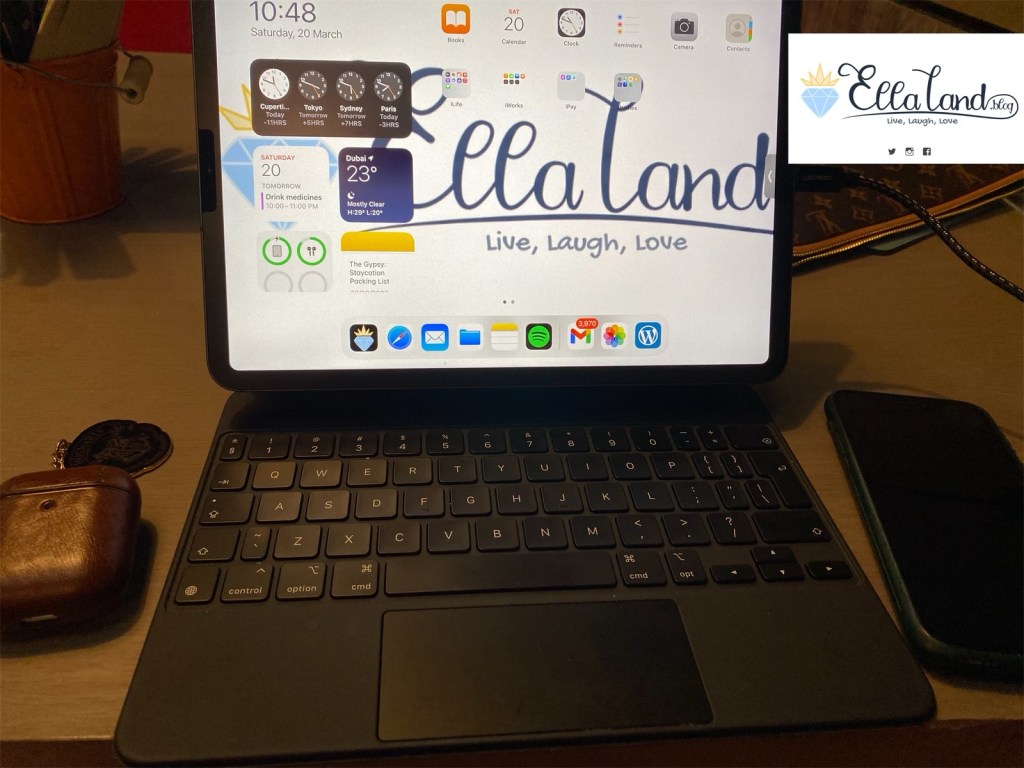
My most basic setup would consist of the iPad Pro with the Magic Keyboard, My iPhone XS (or my iPhone 11, depending on what I have handy) for the photos, and the AirPods for my jams!
The iPad Pro:
I’m currently using the iPad Pro 2020, 11” 512gb LTE version with the Magic Keyboard. This is the best combo ever, IMHO.
I acquired the iPad Pro during its release, and along with it, I bought the Apple Cactus Green Case and the Smart Keyboard Folio. I originally bought the Smart Keyboard Folio because I needed a keyboard to use hand in hand with the iPad Pro from the get go, and the Magic Keyboard release was at a way later date. Also, the Magic Keyboard for the iPad Pro was waaay more expensive and I wasn’t sure I was ready to make the commitment, when I knew I would be perfectly happy with the Smart Keyboard Folio anyway.
Boy, was I wrong. While, the Smart Keyboard Folio was good at what it does, and I have no complaints with it, it simply pales in comparison with the Magic Keyboard. I still use the Smart Keyboard Folio, especially when I’m traveling or I knew I would lug it around, as the Magic Keyboard is quite hefty.
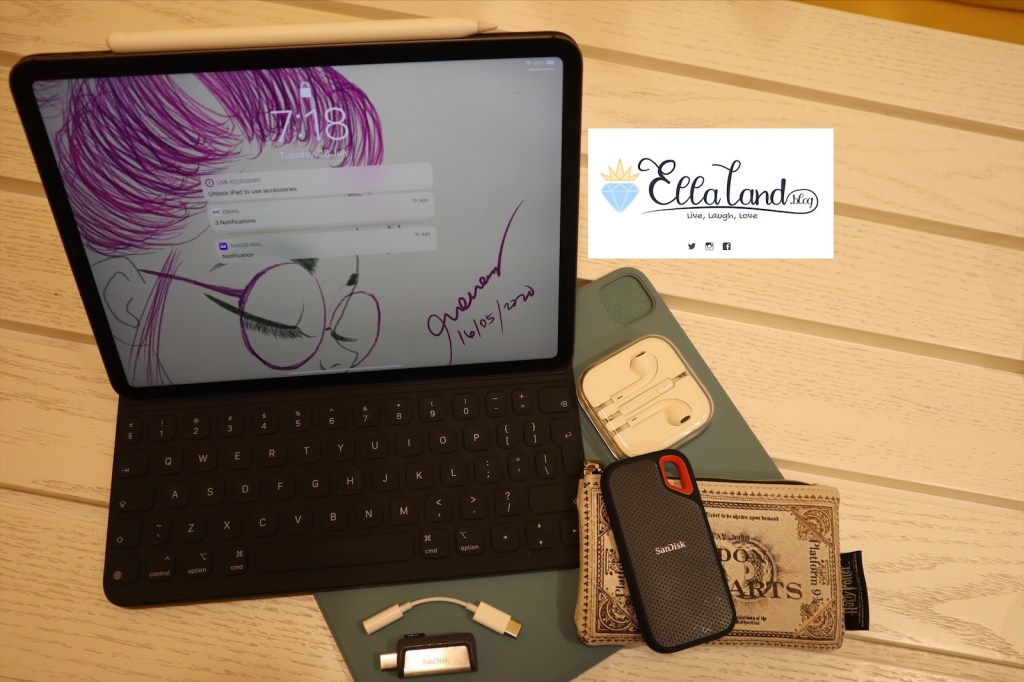
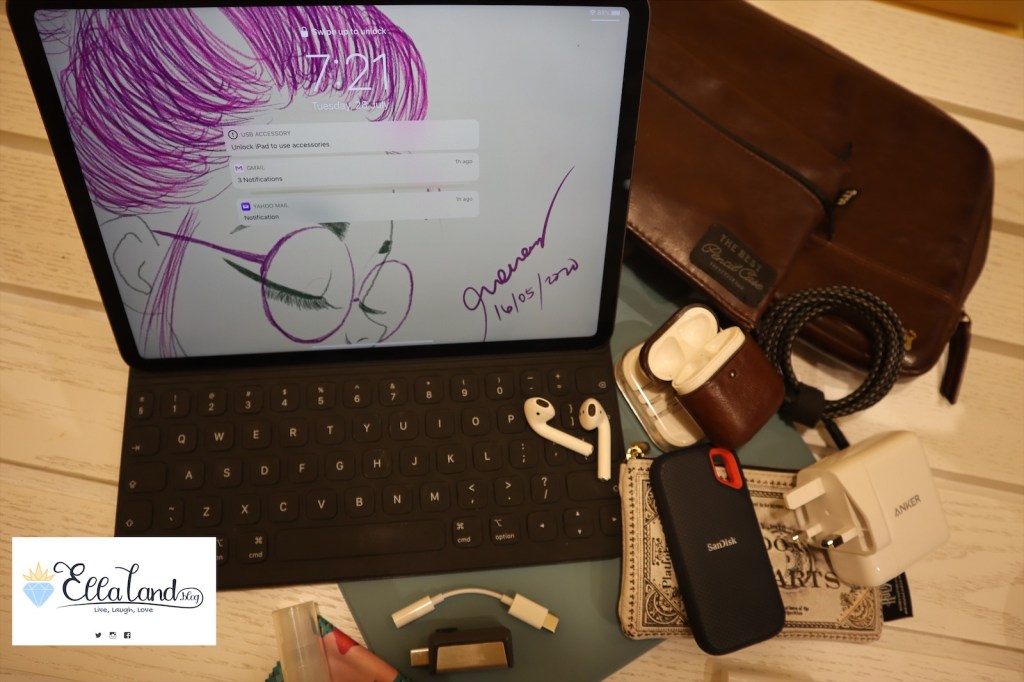
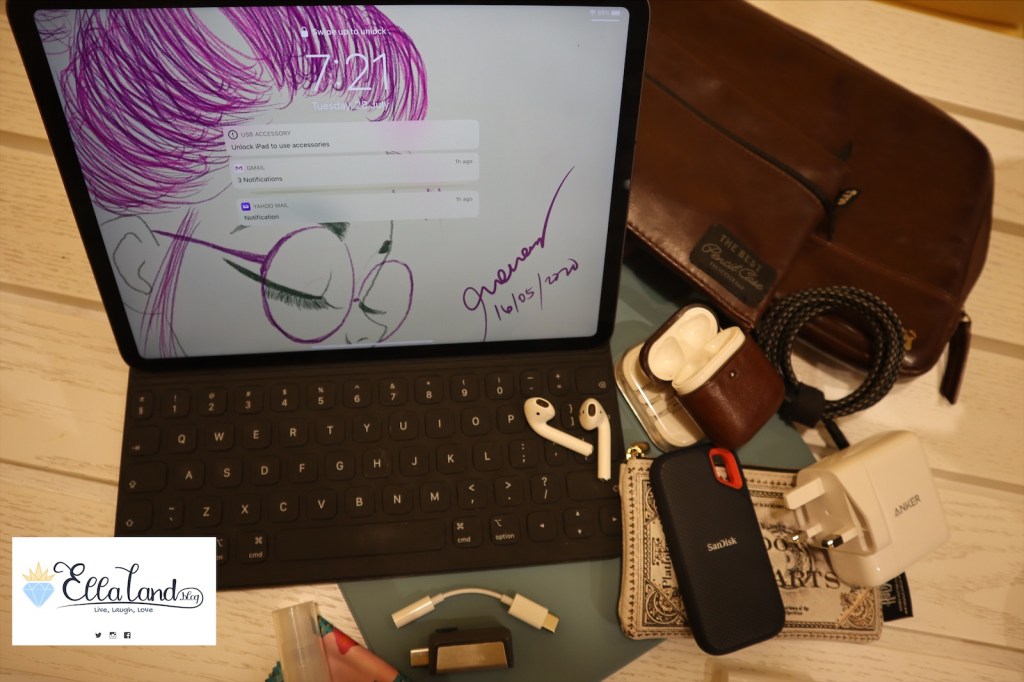
So when I’m traveling, or going out to work somewhere where, this is what I would normally have with me. The iPad Pro with the Smart Keyboard Folio (sometimes the Magic Keyboard, depending on how lazy I am), and some accessories as follows:
- Apple iPad Pro Case in Cactus Green – because when I’m researching for a post or consuming media, I prefer to use the case.
- Apple Pencil – useful for annotating photos or making notes
- 1TB SSD dedicated for EllaLand.Blog files
- Flash drive that’s dual ended – in case i need to transfer files from a regular PC or a non-usbC machine
- spare headphones and headphone jack adapter – just in case my AirPods run out of juice
- All the accessories fit in my Gringotts Hogwarts Pouch! Hogwarts represent!
The Software:
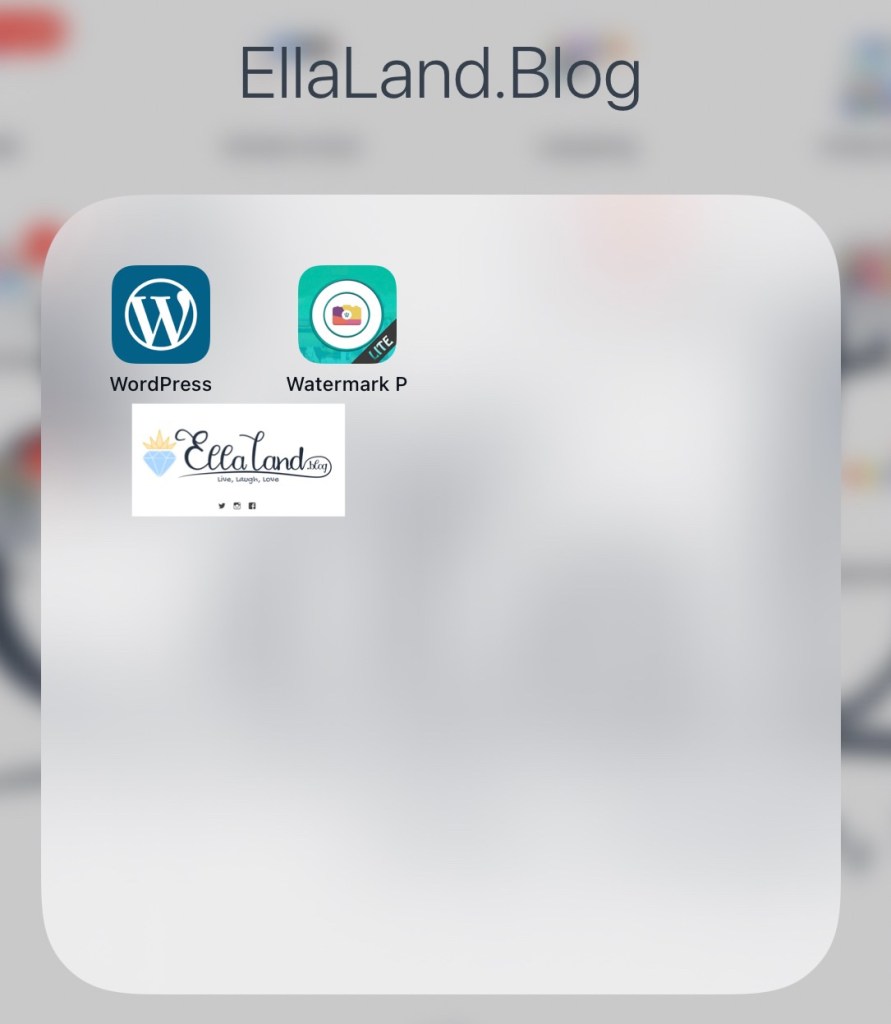
These two are the most used apps in every single post I make.
- WordPress – since EllaLand.blog is hosted on WordPress, I do all my posts from here.
- Ezy Watermark Photos Lite – This is the app I use to add watermarks to my files. I’m just using the lite version for now, but I’m sure, soon enough, the ads will bug me into buying the ad-free version.
- Apple Notes App (not in Photo) – I usually map out drafts of my post in the iPad’s stock Notes app, especially when it’s a long post that requires more research.
The Camera(s)
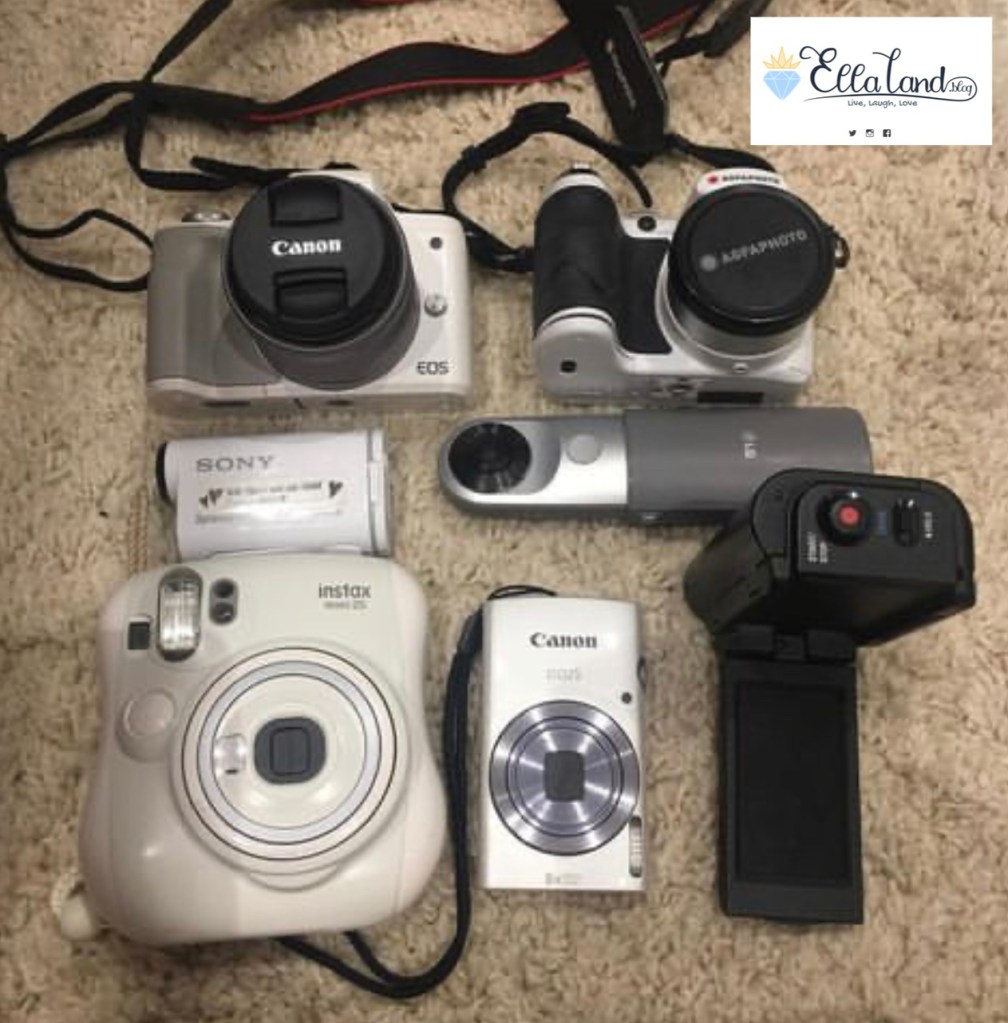
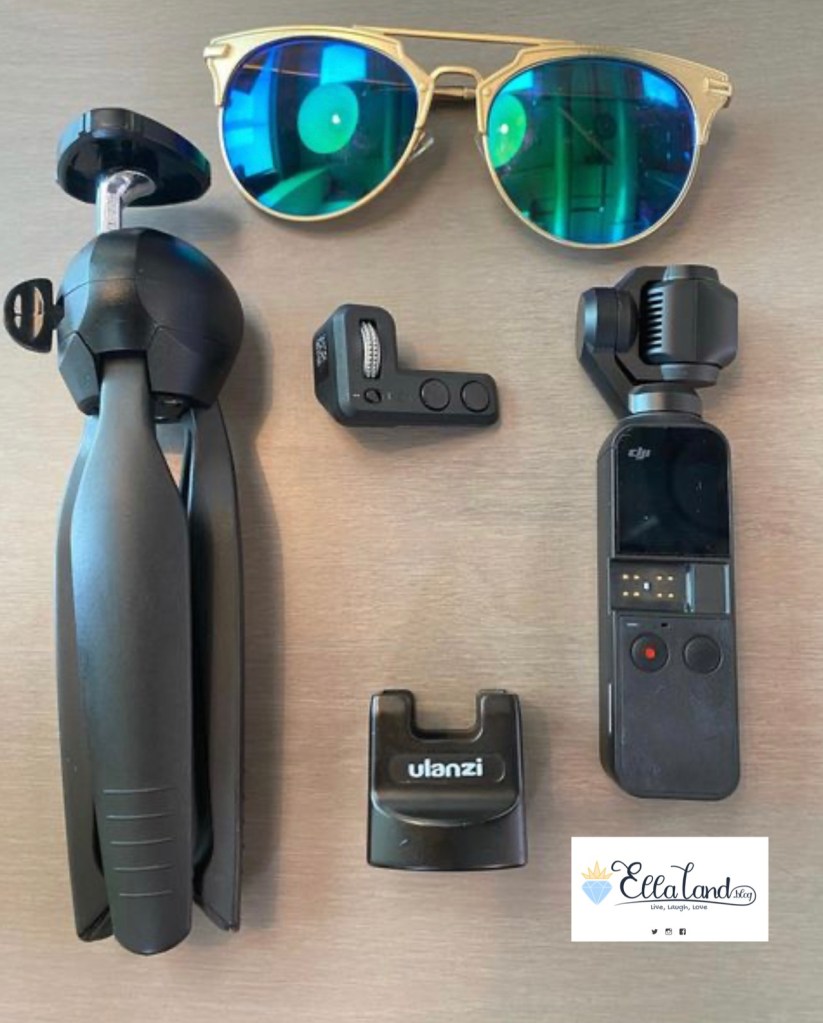
So I have all these cameras to use for EllaLand.blog, with the Canon M50 bought specifically for EllaLand.blog, but 75% of the time, the photos that end up on EllaLand.blog are taken from my iPhones. I use both my personal iPhone XS and my company issued iPhone 11 to take the photos, depending on whatever is handy at the time.
The Accessories
I touched on some of the accessories above, but if you want to see the full set up, here goes:
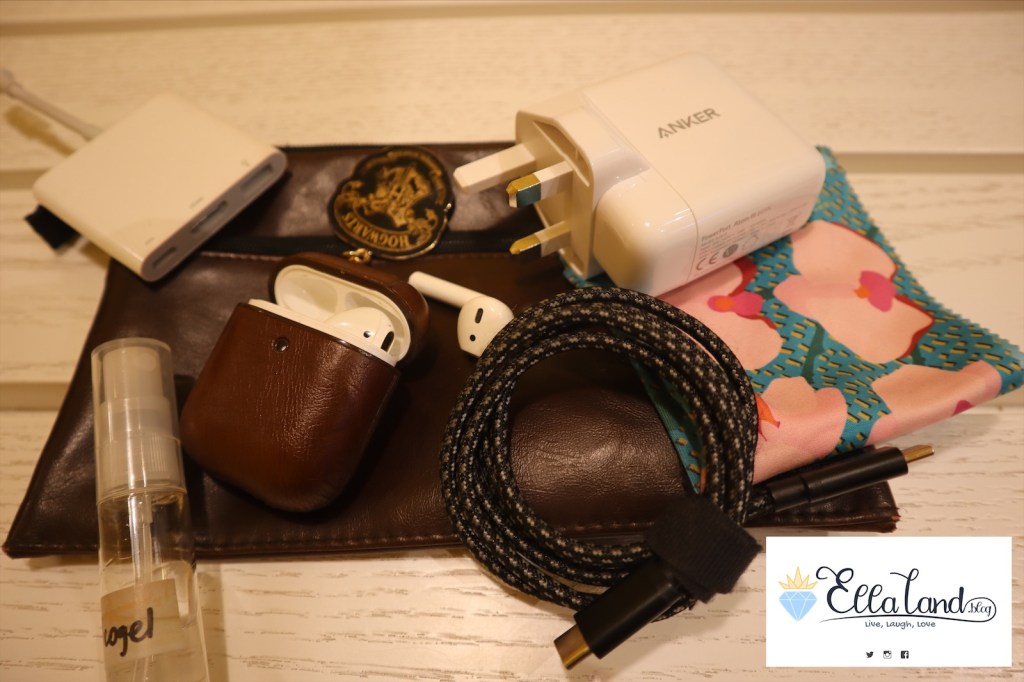
- Anker 65 Watt USB C Charger – to juice the iPad. This is a lot more powerful than the stock charger provided by Apple.
- USB C Braided cable – I prefer braided cables rather than the ones provided by Apple because the braided cables are more durable
- Apple USB C dongle attachment – for pass through charging or USB C port, USB A port and HDMI port
- Sanitizer and microfiber cloth – to keep everything disinfected. We live in the time of CoVID 19 now and this is the new normal, so to speak.
- AirPods – because they fit in my ear well, unlike those silicon tipped earbuds.
So that’s usually my tech set up.
Bonus: Analog Setup
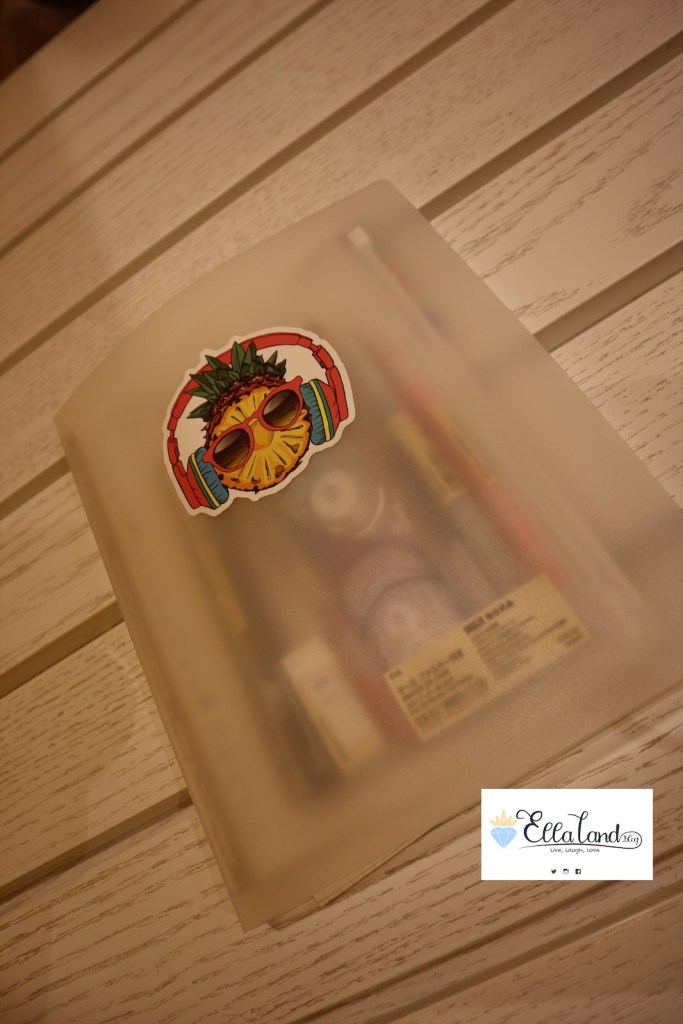
To plan out my blog posts, I have a notebook binder all decked out with my stationery essentials to plan out EllaLand.blog’s posts, however, if I’m going to be honest, more often than not, I post whatever strikes my fancy at any given day.
I need to start completing this though, as a quick back read of my last posts had revealed a lot of promises of posts I promised but never followed through! Sorry for that, life, as you know happens!
The SetUp
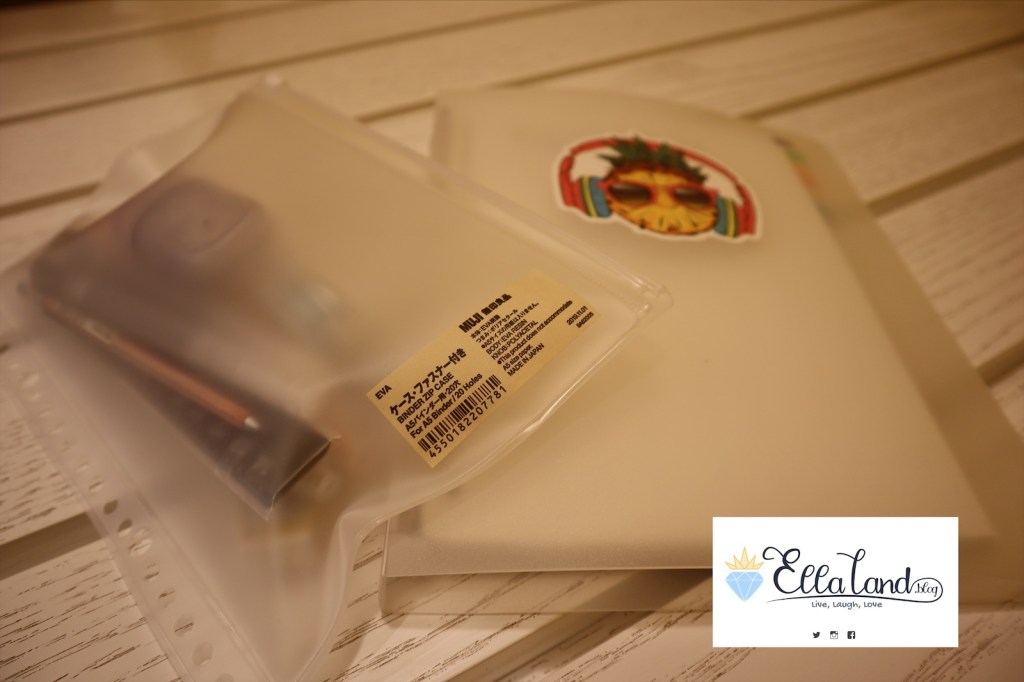
Muji Clear Notebook Binder in A5, I believe, with the zip pouch pocket. I like Muji’s minimalist aesthetic, and the best part here is, I get to customize everything exactly to what I need.
I have some loose leaf paper in here in graph paper, and I’ve subdivided it depending on which EllaLand.blog resident needs to post what, because I’m extra like that!
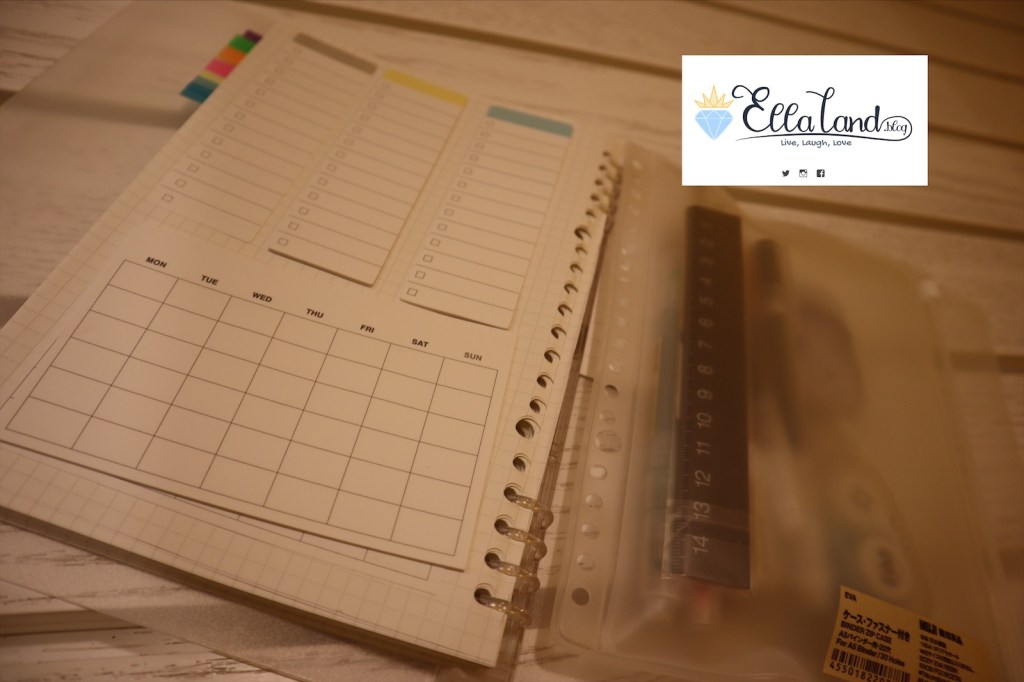
In the back part, I’ve just put in some sticky notes to use as well – all of it from Muji, because I spend an indecent amount there everytime I go!
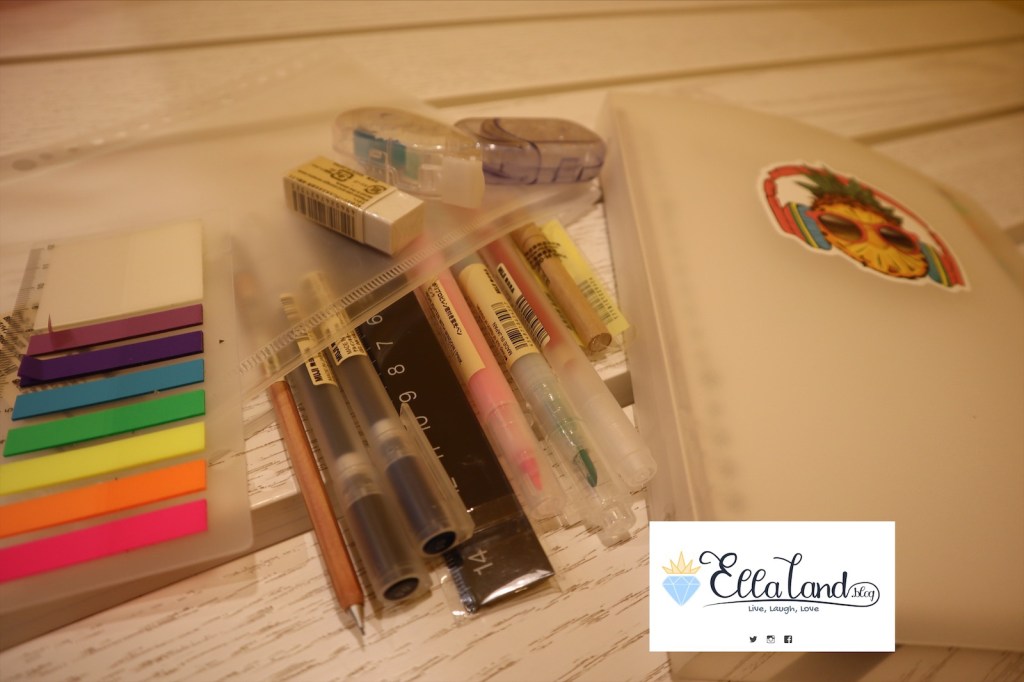
- Page Flags – From Daiso – the only non-Muji item here, I believe! It doubles as a ruler too!
- Muji rubber eraser
- Muji correction tape
- Muji double sided tape
- Muji mechanical pencil – in wood case (oh how I love this!)
- Muji Gel Pens in Red, Blue and Black
- Muji Ruler
- Muji highlighters in Green and Pink
- Muji mechanical pencil leads
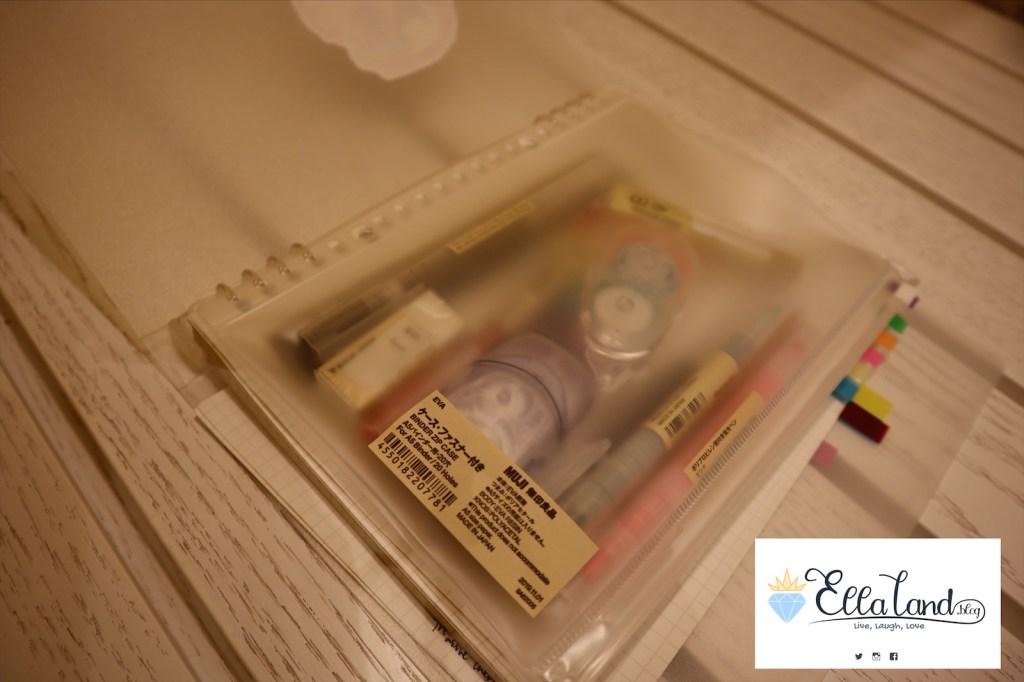
So there you have it, my Tech (and analog!) set up to power EllaLand.blog. I hope you enjoyed this post and if you have any questions, please do not hesitate to hit me up down below! Until then….
Stay Wild, Moon Child!
XXOO, The Geek
 EllaLand