
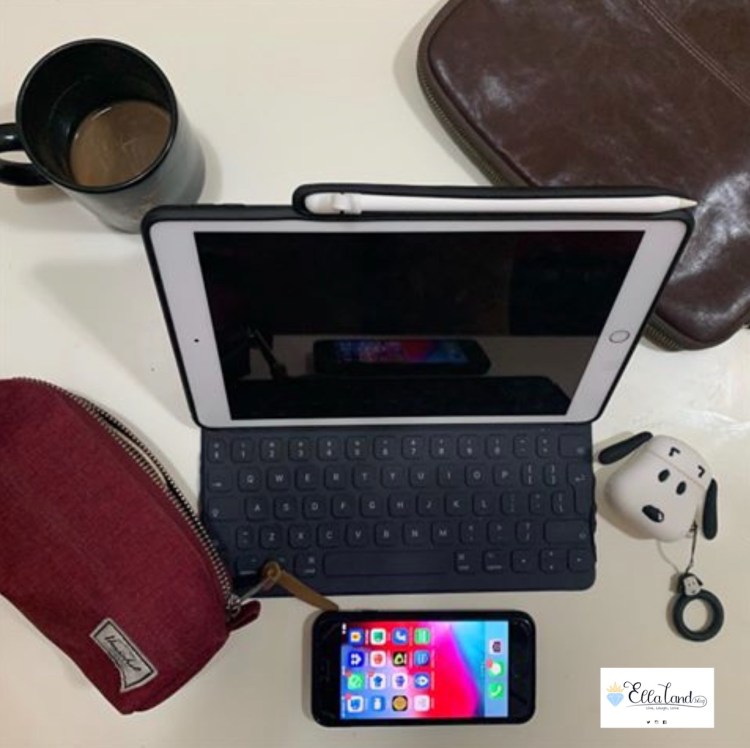
Nota Bene: This post was drafted sometime last year, before I gave my 7th Generation iPad to my Aunt. I am so happy that she is able to use it both for her business endeavors and for personal uses.
As most of you may not be aware, I actually hold a corporate job where I work from 9am-6pm (give or take a few hours) on weekdays. Even before the pandemic, my company has been generous enough to allow its employees to work from home when they need to. It helps that the company’s business is heavily based on the internet. On top of the company issued laptop, my company also issues a work iPhone and most of the apps I need for my workflow are iOS compatible. And even if they didn’t have an app, most of them are accessible through a web browser. So I’m set.
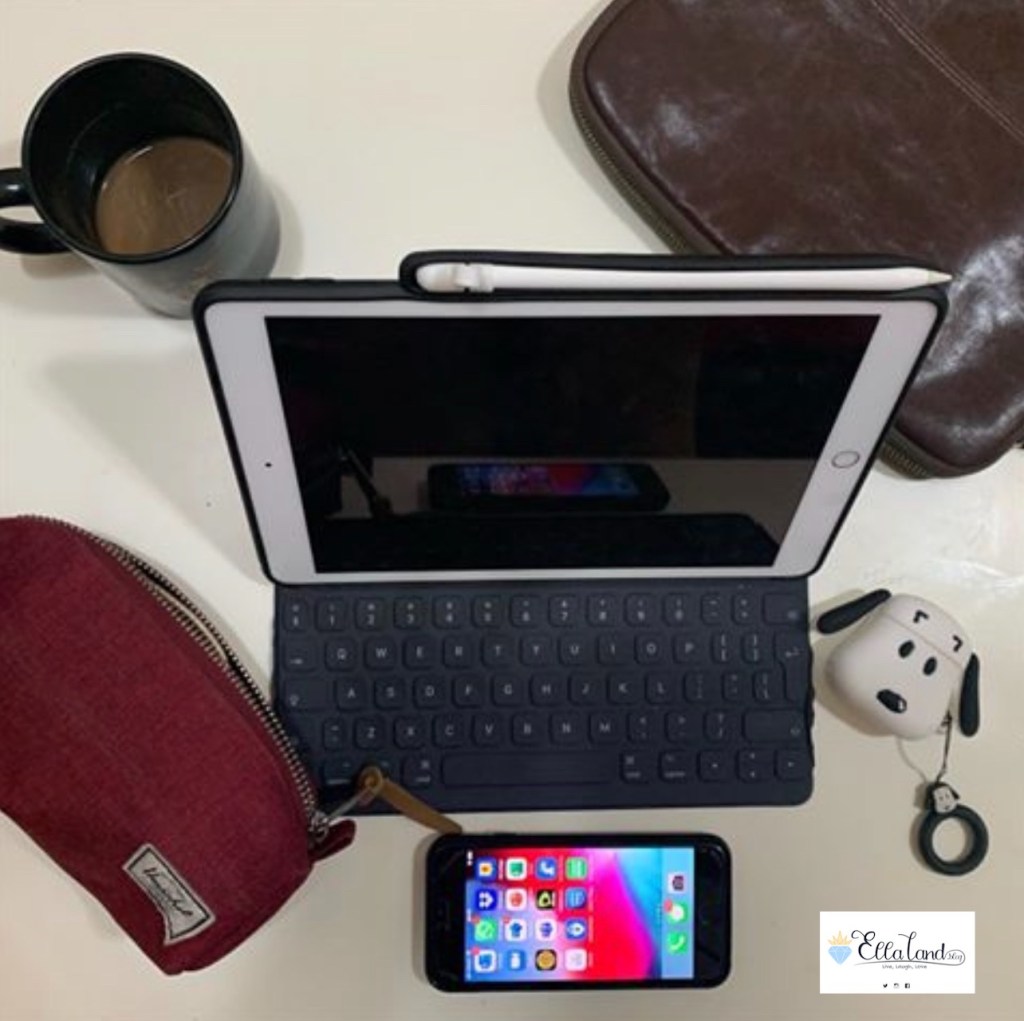
Just before the pandemic-induced lockdowns hit my area, I bought this 7th Generation iPad (Regular iPad) as an interim device while I was waiting for the announcement and release of the 2020 iPad Pro. I originally meant to give this to my mum after acquiring the iPad Pro, but now, I’m, having major second thoughts. I simply loved the device.
Also before the lockdowns were officially enforced by the authorities in my area, we were allowed by my company to work from home for our safety, and this is where I started toying with the idea that in theory I could work from my iPad, as long as I have my handy dandy Smart Keyboard Connector and a good internet connection. With that combo, I could virtually work from anywhere, my devious mind thought.
So off I went and downloaded all the apps I needed and tested it for a day.
The Setup:
Hardware/Kit:
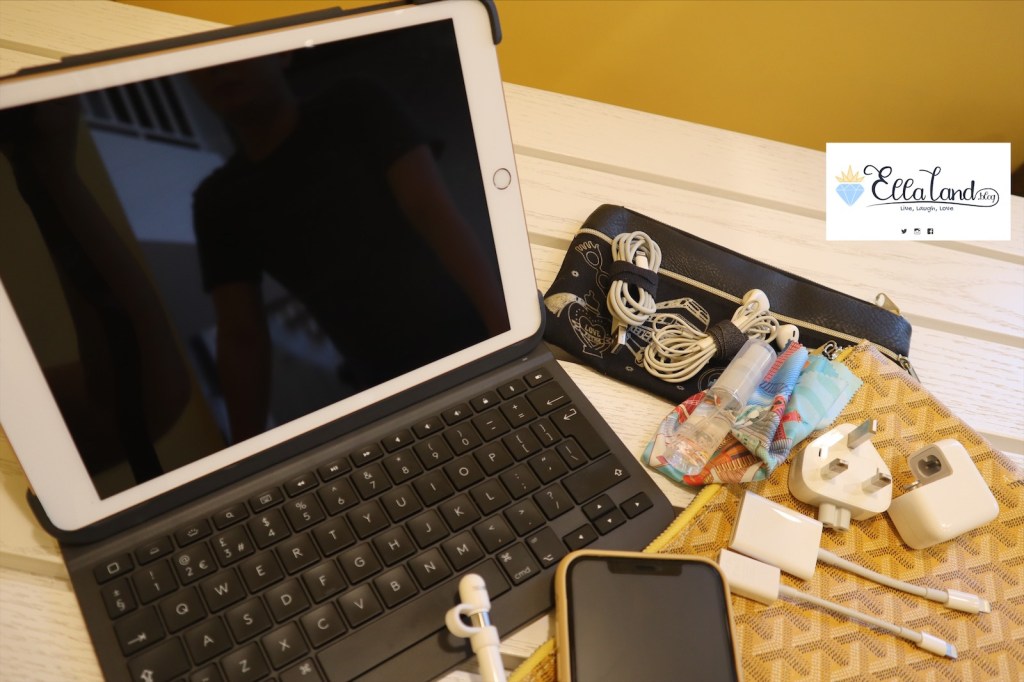
• Regular iPad (WiFi only version, 128 GB) – to be honest, here in Dubai, everywhere we go has free WiFi so this is not a problem. But if I was moving somewhere where free WiFi is not readily available, I would definitely opt for the cellular version
• Keyboard – I was initially using my Apple Smart Keyboard Cover which promptly broke on me, although to be fair, it was a 3-year old keyboard. I have since then bought the Logitech Slim Folio Pro (released for the 2018 iPad Pro, but fits the Regular iPad and connects through Bluetooth, so I’m covered).
• Apple Pencil (First Gen) – optional, only for taking notes.
• Earphones/Headphones – I interchange between the stock Apple Earphones that came with my iPhone XS, the Apple AirPods or my Beats Studio Pro 3, depending on my mood and/or what’s handy. The Regular iPad enjoys this unique ability to be able to support any type of earphones, be it with a headphone jack, a lightning connector or Bluetooth. This is very handy especially during video calls/meetings
• Charger/Powerbank and Cable – only in the unlikely event that the iPad runs out of juice during your workday.
• Micro fibre Cloth and sanitizer gel – optional, but kind of necessary though, to wipe down your device. In this “new normal” era we are all in, I think it doesn’t hurt to be a germophobe.
• A small tablet sleeve and/or a pouch – to haul all of these in. On hindsight, the tablet sleeve is not really necessary as the Logitech Slim Folio Pro is protective enough. Maybe just a nice pouch to haul all of the accessories in.
• I have also invested in a wireless printer a while back, and this has allowed me to be able to print documents that I really, really need printing. Although as part of our commitment to the environment, our company has made the conscious effort to go paperless where we can. This has, in turn helped me transition into a more mobile setup.
The Software/Apps
• Email Client – I use Outlook, which has an app and accessible also through the web browser.
• Corporate Internal Communication and Project Management – I use Microsoft Teams, not sure if accessible through the web browser.
• Video Conferencing, Corporate External Communications – I use Zoom and Teams, which both have their own dedicated apps, but Zoom is also accessible through web browser.
• Filing System – I use DropBox, which has an app and accessible also through the web browser.
• Office Suite – I use Microsoft Office, which has its dedicated apps and is accessible also through the web browser (or Through Teams).
• Document Execution/Electronic Signature – I use DocuSign, which has an app and is also accessible through the browser.
• Scanner – there’s an app for that.
• PDF to Word converter/editor – the tool we use in the company is PC-only but there are tons of free and paid dedicated apps for that!
The Workflow
Let me preface this by saying that I only used my iPad out of office hours, or when i’m out and about, as I didn’t want to take time from my work to do this experiment if it failed.
As a member of the legal department, my workflow relies heavily on my email client and my word processor. I can easily save and retrieve my files in the cloud. For internal communications/chats and video/voice calls and meetings, as well as project management, everything is under Teams, which has an iOS app. For almost everything else there’s an app. It should be doable, right?
I was wrong. Oh how sorely wrong I was. And I did not even last a day. Sigh.
For reading/retrieving and writing emails, the iPad worked like a dream. As long as i have the keyboard I was happy as can be. I was also able to conduct internal and external meetings and chats through Zoom and Teams, so that was fine.
Document review which is another big chunk of what I do on a normal day-day basis worked like a dream too. So what was I complaining about?
The main roadblock I encountered is with the word processing app. My work heavily involves editing word documents while taking care of its formatting (for a more professional look) and sadly, while editing documents is not a problem with the Microsoft Word for iOS App, formatting and tracking changes leaves a lot to be desired, and I do not see Microsoft keeling over and improving their app anytime soon. I’m not saying that formatting and tracking changes in the Microsoft Word app is impossible, but it is a tedious task to say the least and definitely not as intuitive as doing it on a windows system. In fact for light documents with 3-5 pages, or 10 maximum, it can work. But for heavier/more intensive word processing, it’s not worth the headache! Because of this, I quickly nixed the idea after just half a day of experimenting!
Also, I am tasked to generate reports out of a web app that our company developed, and export it to an excel file, and to be honest, doing this on an iPad is next to impossible. Thankfully, I’m only required to do this once every few weeks.
So, after half a day, back I went on my laptop.
But I’m nothing if not persistent, so when another opportunity came my way, I grabbed the chance to experiment. On a day when I was not expected to review and edit documents, as I had an face to face meeting with an external party, I decided to bring a smaller purse and just grabbed the Regular iPad with the Logitech Slim Folio Pro keyboard.
AND IT WORKED LIKE A DREAM!!!!! As I expected, it worked as smoothly as cold butter on a freshly warmed toast! I was able to pull up the email and review things I needed to review on a coffee shop, just right before the meeting, I was able to use the Regular iPad and the Apple Pencil to take notes while in the meeting, and more so, I was able to pull up the right document for reference during the meeting.
In between coffee sips before (waiting for the person I was meeting) and after (while finishing my coffee/waiting for the uber) the meeting, I was also able to read and respond to more pressing emails, something I would not ordinarily be able to do if I had my bulky laptop with me, as booting it up and emailing in a cramped coffee shop table in between sips just takes more time, effort and space.
I also took the iPad once before on a company-sponsored educational seminar and the iPad performed like a dream! I was able to take down notes, while at the same time keep an eye on any important emails that may have arrived. Responding to emails and quick meeting calls/chats were also discreetly possible.
Another instance is during weekends, when I’m lounging by the coffee shop or the pool/beach or even just by my couch with my iPad and an urgent email comes up, it’s a lot easier to work on the iPad rather than lug around the laptop wait for the big bulky thing to boot up. It also beats squinting over a tiny cellphone glass and frantically tap away a response.
The Verdict
Other than the two roadblocks, working on an iPad is a dream. And while I could not fully migrate my workflow unto an iPad without making my word-processing intensive tasks extremely tedious, I can still see how it can work if you’re off somewhere travelling, in airports, in tiny airplane trays, where you just have to have that document to review or reply to an urgent work email. It sure as hell beats trying to read something on a small cellphone screen or lug around a big bulky laptop. The iPad is the Goldilocks of “just right” in working while on the go.
I would highly highly recommend picking up the Regular iPad and a keyboard of your choice and believe me, you will not regret it.
 EllaLand